Traffic Sign Detection System
A full-stack traffic-sign recognition system connecting a React interface, Node.js API, Python ML service, and database-backed dashboards.
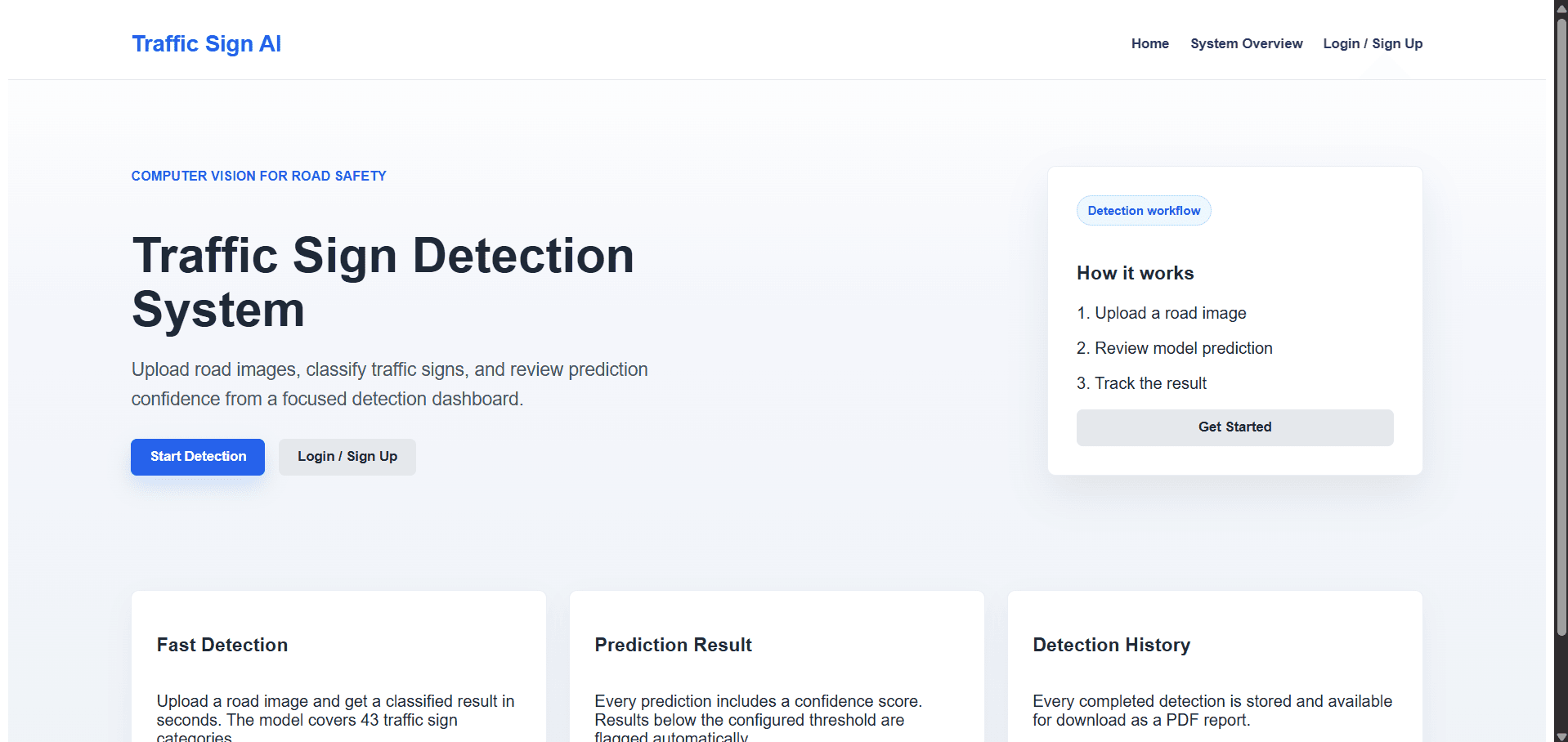
The context
A team-built system for traffic-sign recognition.
This university team project connects traffic-sign recognition to a web application with authentication and role-based dashboards. The complete system includes React, Node.js/Express, Python/Flask, TensorFlow/Keras, and CockroachDB. My contribution focused on the application layers around the detection workflow; the full system and ML model are shared project scope, not work I independently built or trained.
Application screenshots


My contribution
Where I contributed
- 01
Contributed to frontend setup and implementation.
- 02
Worked on authentication and dashboard functionality.
- 03
Helped integrate the application layers around the detection workflow.
Architecture
How the work moves
Team project scope
The complete system
Honest evaluation
Limits and trade-offs
- This is a team university project with shared contributions.
- My listed contribution focuses on frontend, authentication, dashboard, and integration work; it does not claim independent ownership of the full system or model training.
- No personal performance metrics are presented. The system scope is documented in the repository README, not independently benchmarked here.
- Running the complete system requires database and service configuration plus a compatible trained model; the application was not run as part of this portfolio update.
Inspect the work
Stack and reproduction
- 1Follow the public repository README to install frontend, backend, and Python ML service dependencies.
- 2Configure the documented environment variables, CockroachDB database, and Redis service, then apply the database migrations.
- 3Provide a compatible trained Keras model through MODEL_PATH and start the Flask service, Node.js backend, and React frontend as documented.